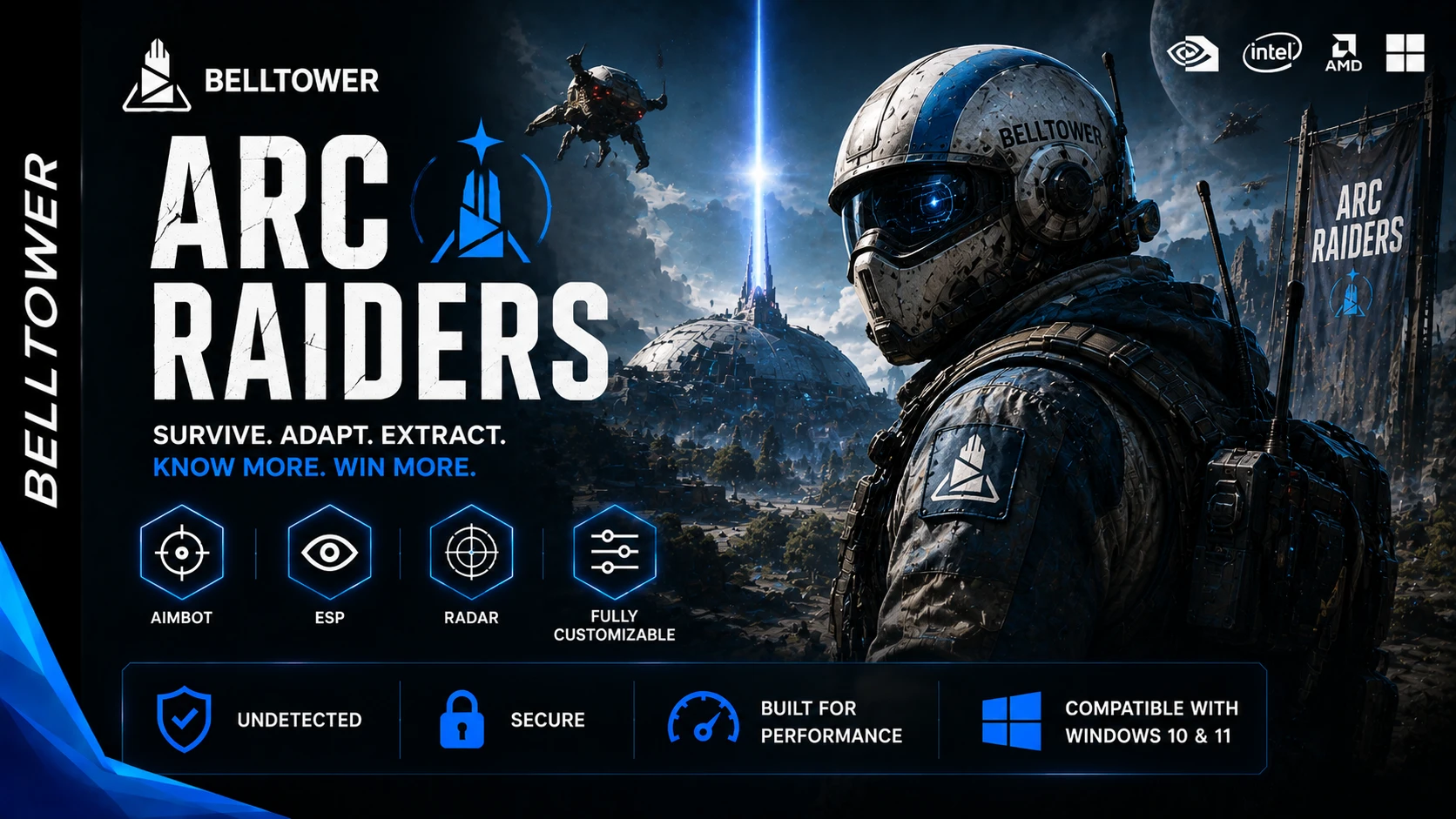
🎯 Arc Raiders
A feature-rich internal solution combining Aimbot, Player & NPC ESP, Item and Object ESP, Radar, Warning Systems, extensive customization, and profile management in one package.
⚠️ Account Safety Notice
🛡️ Recommended Usage
- A fresh account is recommended
- Previously used accounts may have an increased risk of manual bans
- Only use the product on accounts you are prepared to lose
- No product can guarantee that an account will never be suspended or banned
🎯 Aimbot
⚙️ Core Aim Features
- Enable / Disable Aimbot
- Target Bone Selection
- Head
- Neck
- Chest
- Priority Mode
- Smooth Aim
- Adjustable Smoothness Level
- Humanization
- Realism
- Reaction Delay
- Human-Corrected Overshoot
- Movement Prediction
- Lock Indicator
🎯 Field of View
- FOV Circle
- Adjustable FOV Radius
🔍 Target Filters
- Visible Targets Only
- Adjustable Maximum Range
- NPC Aimbot
- Anybrain Safe Mode
👁️ Player ESP
👤 Player Information
- Bounding Box
- Snap Lines
- Adjustable Snap Line Thickness
- Player Name
- Distance Indicator
- Health Bar
- Shield Bar
- Skeleton Overlay
- Direction Indicator
- Adjustable Direction Line Length
- Head Dot
🔍 Display Filters
- Visible Players Only
- Color by Visibility
- Adjustable Maximum Distance
- Show Teammates
- Show Enemies
- Show Held Weapon
- Show Corpses
🤖 NPC ESP
👾 NPC Information
- Enable NPC ESP
- Adjustable Maximum Distance
- NPC Visibility Check
- Destroyed NPC ESP
🖥️ Display Options
- Distance
- Name
- Diamond Indicator
🤖 Supported Enemy Types
- Wasp
- Drone
- Rocketeer
- Snitch
- Leaper
- Spotter Drone
- The Queen
- Pop RollBot
- Turret
- Bastion
- Shredder
- Matriarch
- TickBot
- Surveyor
- Fireball Rollbot
- Bombardier
- Sentinel
📦 Items
💎 Loot ESP
- General Loot
- Adjustable Maximum Distance
- Item Name Filter
🔍 Item Filtering
- Blacklist
- Whitelist
- Add / Remove Items
🧱 Objects
🌎 World Object ESP
- Adjustable Maximum Distance
- 20 Containers & Vehicles
- 5 Special / Extraction Objects
- 4 Raider Loot Objects
- 5 Salvage / Plants
- 16 Furniture / Props
- 2 Danger Objects
⚠️ Warning System
🚨 Situational Awareness
- Enable / Disable Warnings
- Enemy Aiming at You
- Nearby Enemy Alert
- Enemy Has Line of Sight
- Enemy Behind You
- Multiple Enemies Nearby
- Low Health Alert
- Audio Direction Indicator
⚙️ Warning Customization
- Display Duration
- Fade Speed
- Animated Progress Bar
- Interface Scale
📡 Radar
🗺️ General Settings
- Enable / Disable Radar
- Adjustable Radar Size
- Adjustable Detection Range
- Draggable Radar Header
🎨 Visual Style
- Show / Hide Header
- Show / Hide Border
- Show / Hide Background
📍 Radar Elements
- Players
- NPCs
- Corpses
- Items
- Objects
- Visibility Check Colors
- Cardinal Lines — N / S / E / W
⚙️ Marker Configuration
- Entity Marker Size
- Item Marker Size
- Player Marker Size
- Smooth Rotation
- Fully Customizable Radar Colors
➕ Miscellaneous
🎯 Crosshair
- Disabled
- Cross
- Dot
- Circle
- Cross + Dot
⚙️ Crosshair Configuration
- Size
- Gap
- Thickness
📊 On-Screen Information
- FPS Counter
- Screen Resolution
- Current Time
🎨 Colors
🖌️ Interface Colors
- Background
- Sidebar
- Border
- Header
- Content
- Accent
- Primary Text
- Secondary Text
- Tab States
👤 Player Colors
- Enemy
- Visible Enemy
- Friendly
- Visible Friendly
- NPC
- Visible NPC
- Corpse
- Knocked
🌎 World & Radar Colors
- Crosshair
- Objects
- Radar Background
- Radar Border
- Player Marker
🚨 Warning Colors
- Critical
- Medium
- Low
⚙️ Settings
💾 Profile Management
- Save Profiles
- Load Profiles
- Reset Profiles
- Create Profiles
- Delete Profiles
- Rename Profiles
- Duplicate Profiles
- Refresh Profiles from Disk
⌨️ Hotkeys
- Menu
- Aimbot
- Emergency Disable
- Battle Mode